Gantt Chart
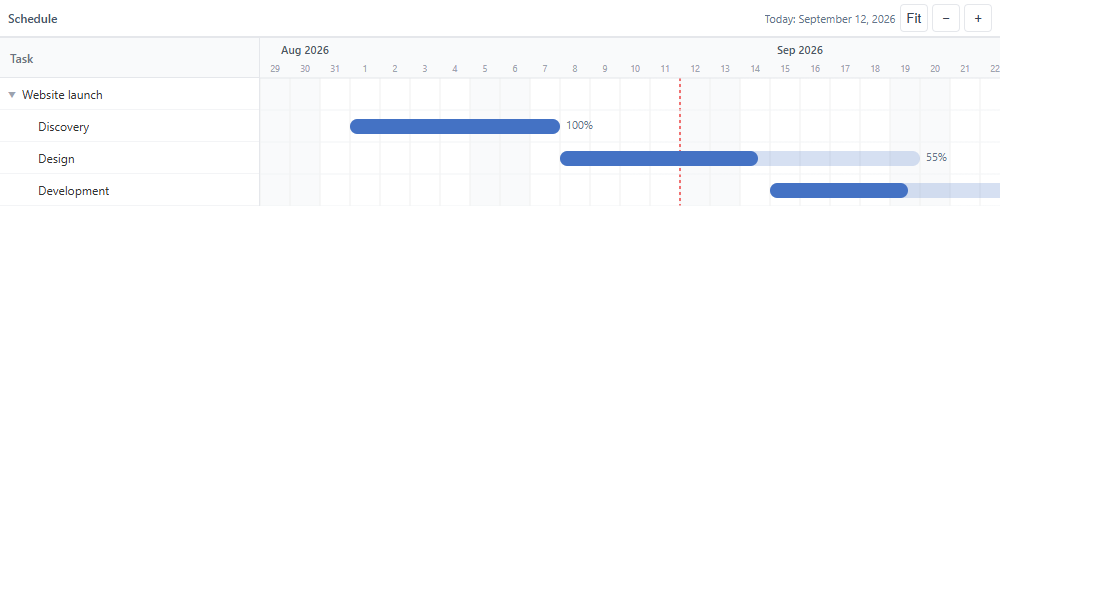
Add an offline hierarchical Gantt chart to Power BI with both LTR and RTL layouts.
What does this product do?
GanttChart Visual is built for teams that need to display plans, phases, tasks and activities directly inside Power BI without depending on online services. The focus is on a clear, structured and readable planning experience.
The visual supports up to five hierarchy levels and is suitable for project management, roadmaps, operational scheduling and progress reporting. Support for Gregorian, Jalali and Hijri calendars plus LTR/RTL layout makes it flexible for multilingual and regional environments.
Introduced capabilities
- Five-level hierarchy
- Shows project, phase, task, subtask and activity in one unified view.
- LTR and RTL layouts
- Switch between left-to-right and right-to-left layouts for different teams and languages.
- Multiple calendars
- Display dates using Gregorian, Jalali or Hijri calendars without external dependencies.
- Offline-first
- No runtime fetch, external scripts or remote fonts — suitable for controlled environments.
Before you get started
Prepare your host application and version, your team’s needs and an example of your use case. We will review the available release, compatibility and setup approach with you before use.