Supported apps and calendar uses
Date support across Jira, reporting, time tracking and service portals.
Where to use the app
The product is offered for Jira Software and Jira Service Management on Data Center. Include your Jira version, installed apps and required screens when making a request.
Forms, boards and portals
The picker opens from supported date fields in the Jira form, and the personal calendar also applies to date displays. Signed-in service portal customers can choose their own calendar too.
Supported apps and Jira features
The list explains where date support is used in each app or Jira feature. Plans and Assets are Jira features and are identified separately from third-party apps. Integration scope is coordinated with your installed versions and screens.
- Rich Filters
- Date filters, results tables and date displays in dashboard gadgets.
- STAGIL Tables
- Date and date-time selection and display in table fields and columns.
- Refined for Jira Service Management
- Dates in service portal request forms, details and request lists.
- Tempo Timesheets
- Worklog date selection and timesheet dates and date ranges.
- WorklogPRO
- Worklog dates, calendar views, timesheet ranges and period dates.
- Plans / Advanced Roadmaps
- Jira planning feature: date fields and plan timeline calendars.
- Assets
- Jira asset management feature: Date/DateTime attributes and asset history dates.
Calendars and calculation rules
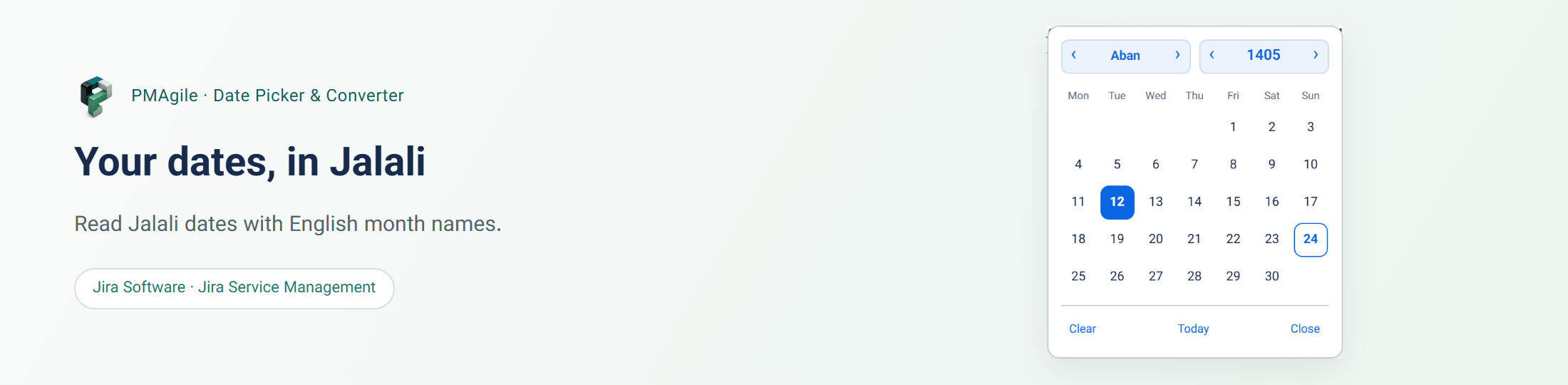
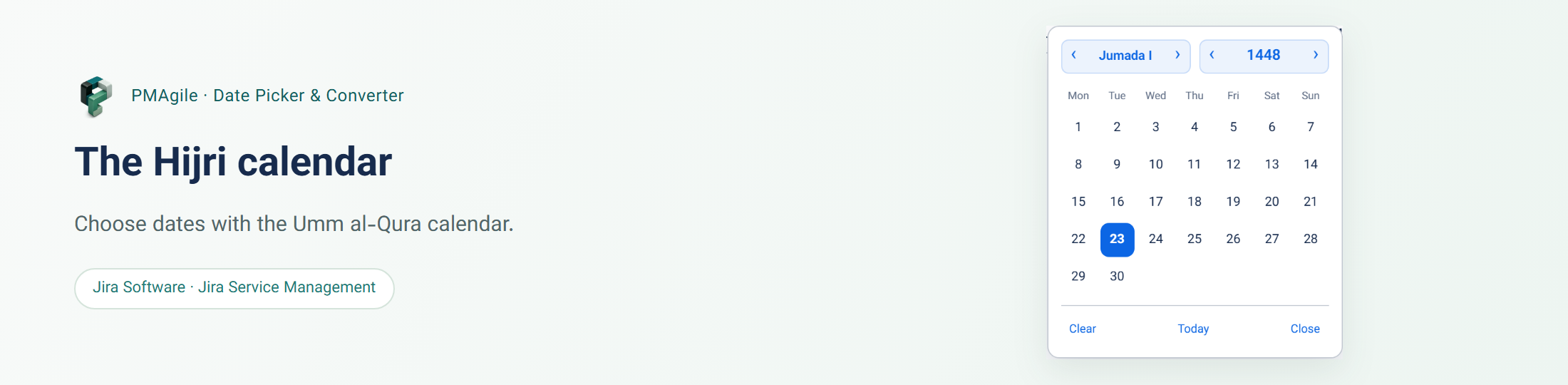
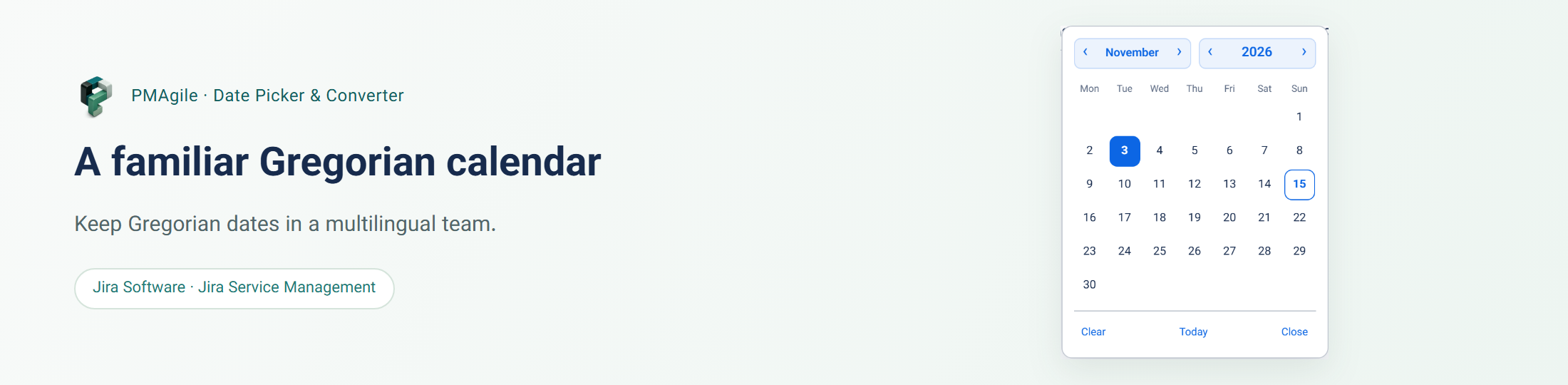
A display calendar is different from a report’s calculation rules. Changing date displays does not change time totals, accounting periods, team capacity or recurring-holiday rules in the host app. The images show Hijri and Gregorian views.
Keep your data and get help
Jira retains its original date values. Advanced JQL, REST contracts, CSV/Excel exports, emails and free text are not rewritten. For help with a field or screen, provide the app name, version, steps and an anonymized example.